ABBYY FineReader PDF is a comprehensive PDF and OCR reader and editor. It combines these vital functions into an all-in-one software package designed to handle your daily document workflows.
Advanced OCR capabilities
OCR stands for Optical Character Recognition. While the technology has been around for a while, ABBYY offers an advanced implementation that lets you scan physical documents and save them as OCR projects, images, Word files, or PDFs.
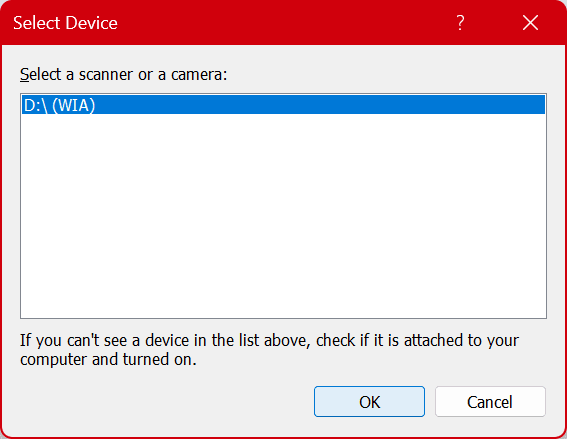
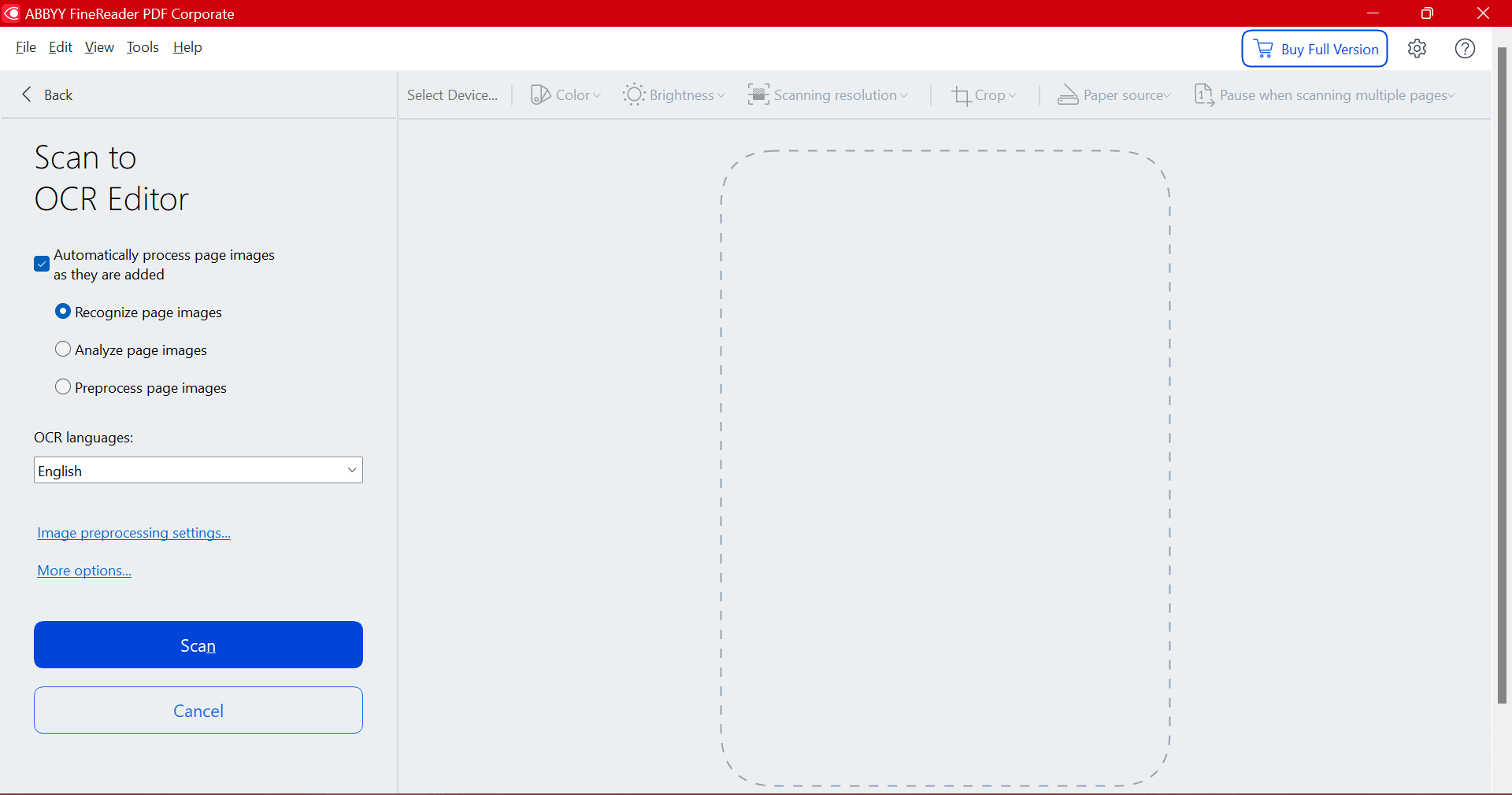
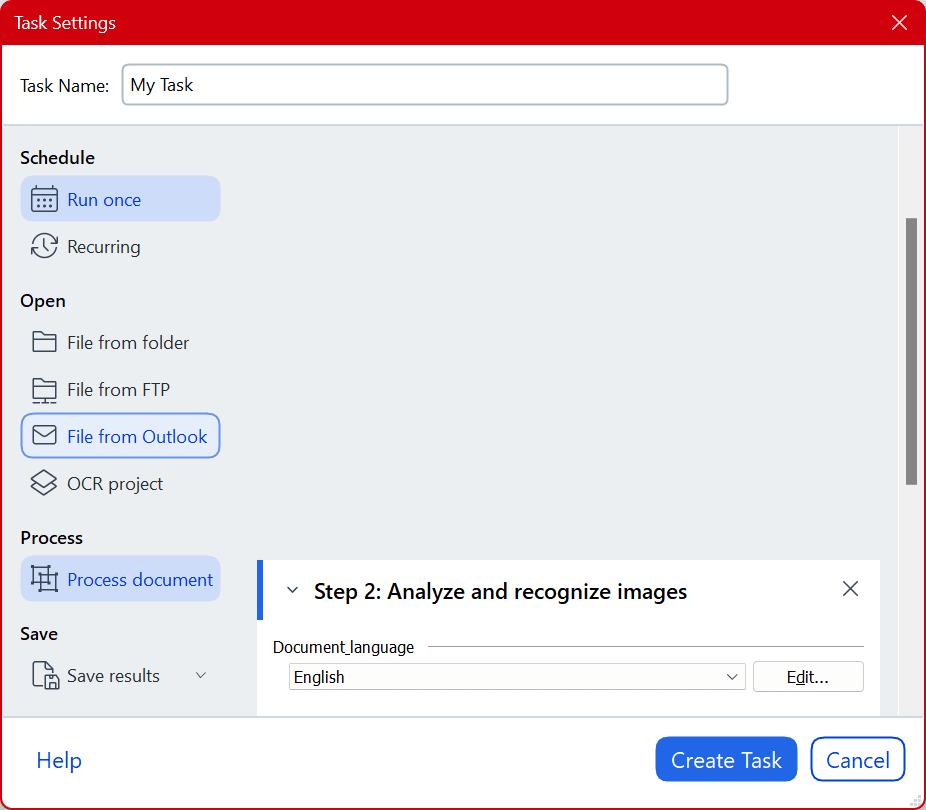
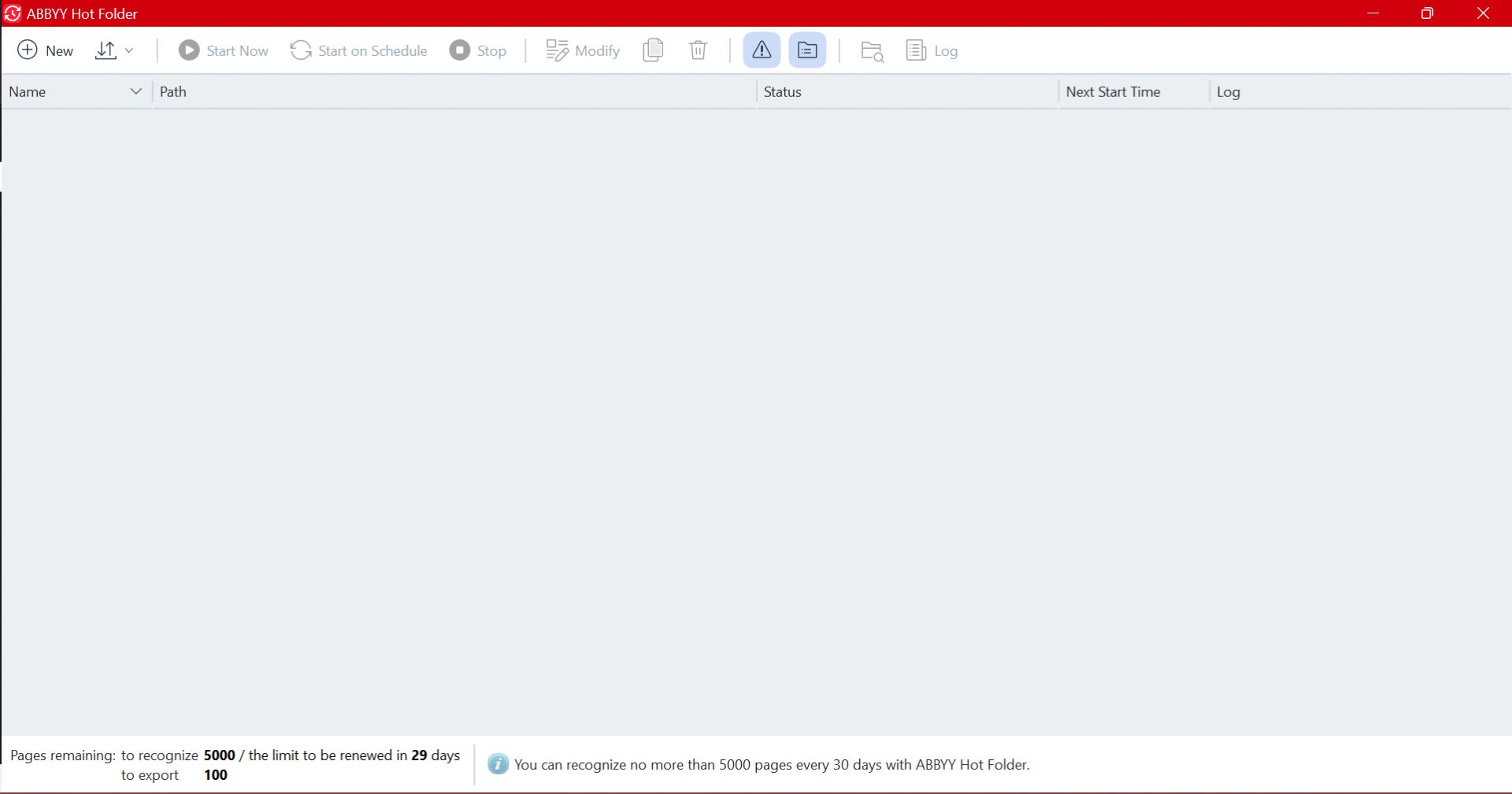
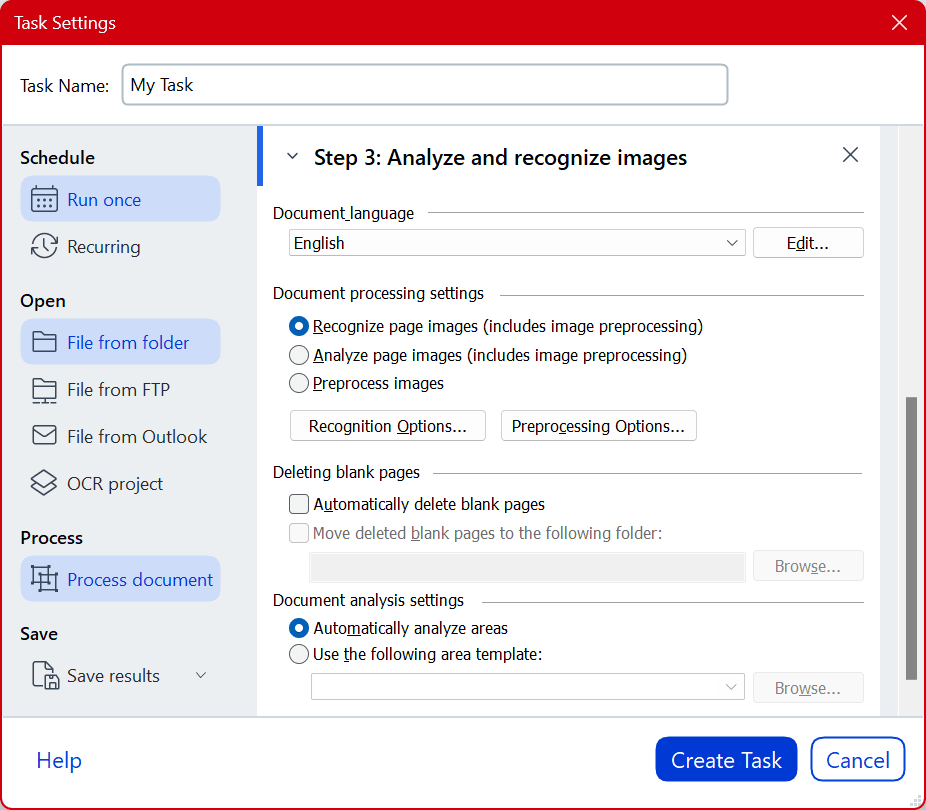
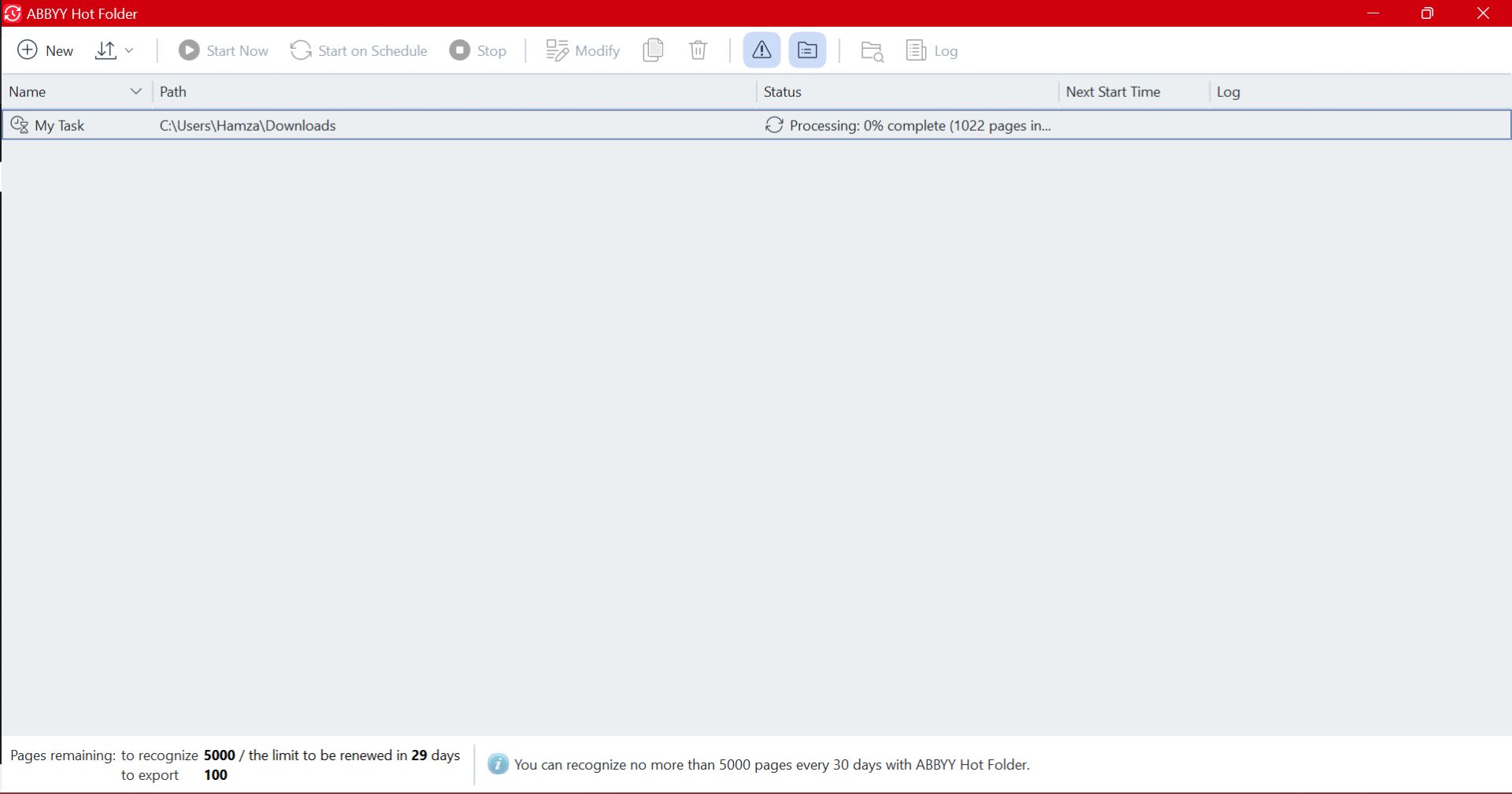
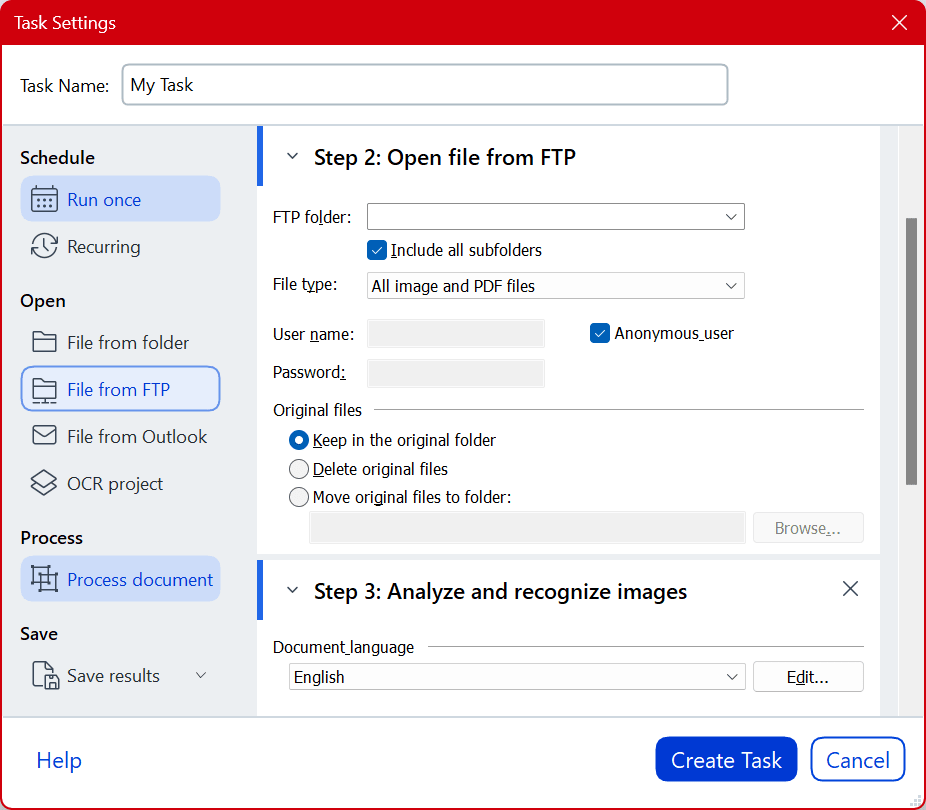
There are two ways to bring files into the app: you can process existing digital documents or import paper copies directly from a connected hardware scanner. You launch the process through either the ABBYY Hot Folder or the main PDF Reader. The Hot Folder allows you to apply filters and set specific directories for batch scanning. If you use the PDF Reader instead, you simply click the Scan button on the left menu.
From there, you can choose the OCR Editor to work with a physical scanner, or you can import existing digital PDFs. If the OCR engine struggles to read a specific part of your document, it highlights the problem area and provides a text box where you can manually type the correct text.
One of FineReader's strongest features is its broad multi-language support. If you navigate to File > Options > Languages, you will find a massive list of supported languages for the OCR engine. The software is compatible with most standard scanners and cameras, so hardware integration is rarely an issue.Document editing tools
After scanning a file, FineReader displays a dual-window interface. One side houses your original document, and the other shows the editable version. You get a solid array of editing tools to manipulate the file as needed, including options for building forms, adding signatures, highlighting, redacting sensitive text, watermarking, and merging multiple documents.Interface and usability
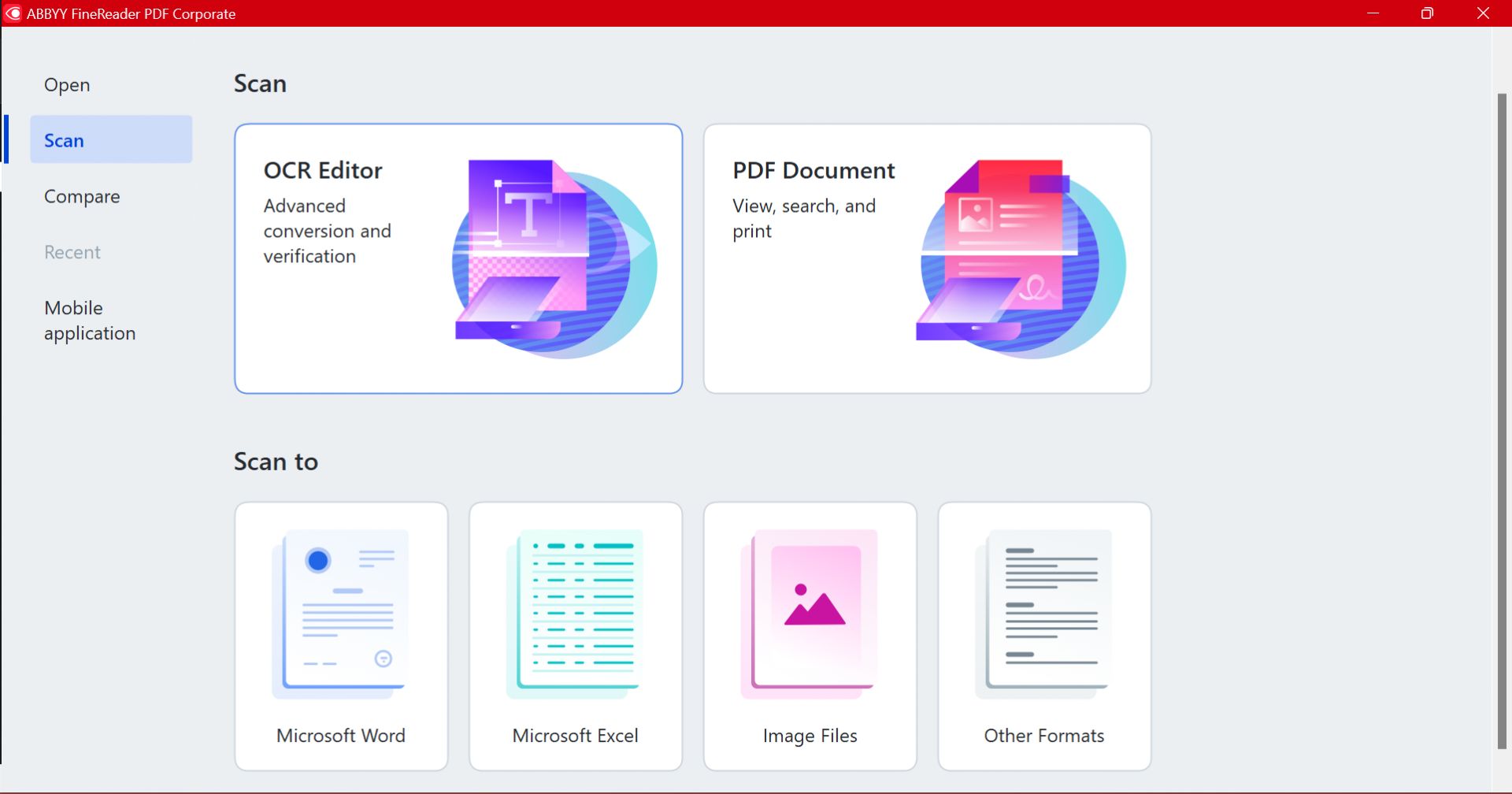
ABBYY FineReader PDF features a clean, modern interface that is easy to navigate. The main screen divides into three main sections: Scan, Scan to, and a left-hand menu. Under the Scan section, you will find the OCR Editor and PDF Document modules, which handle the core functionality of the application.
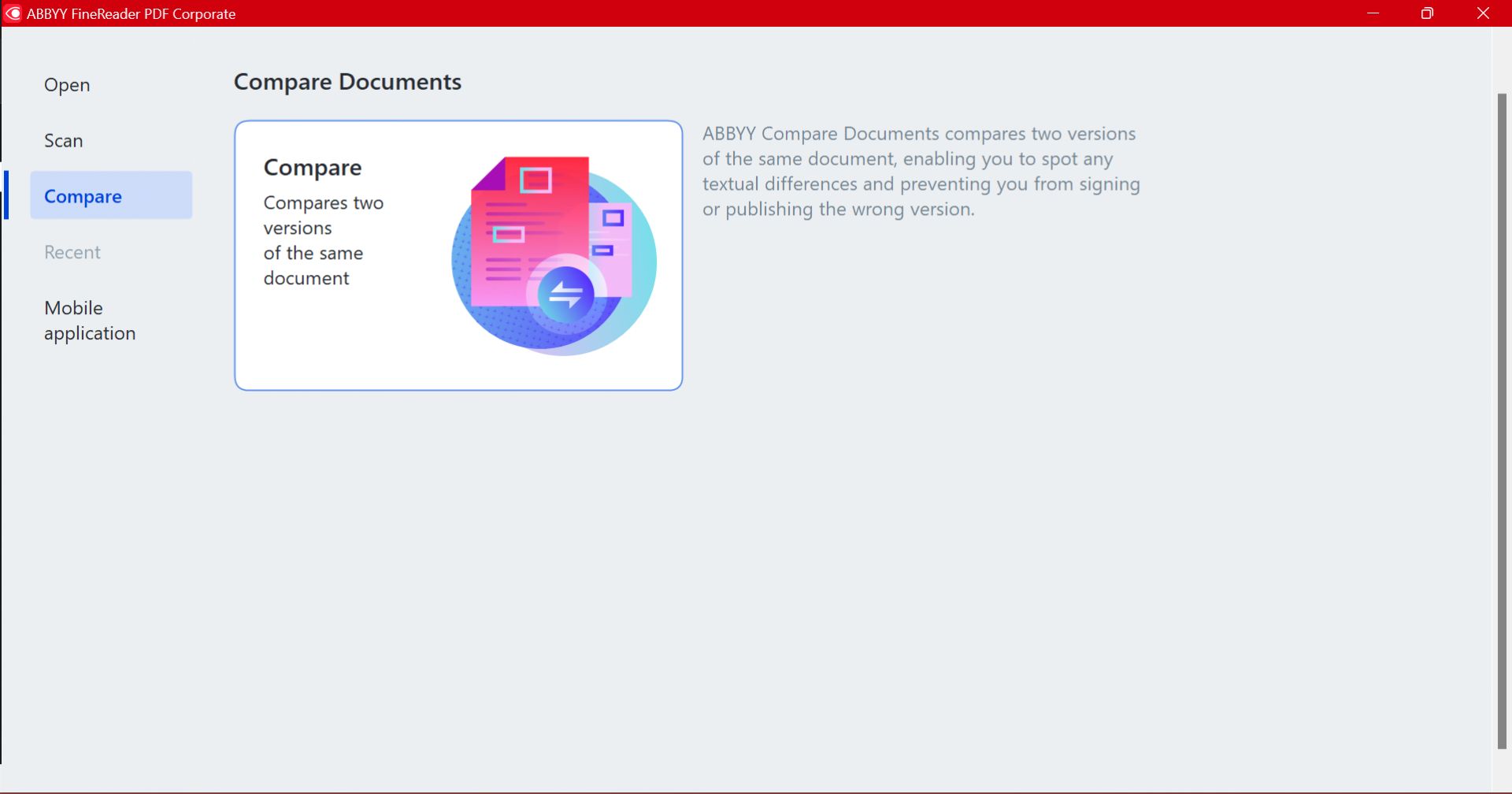
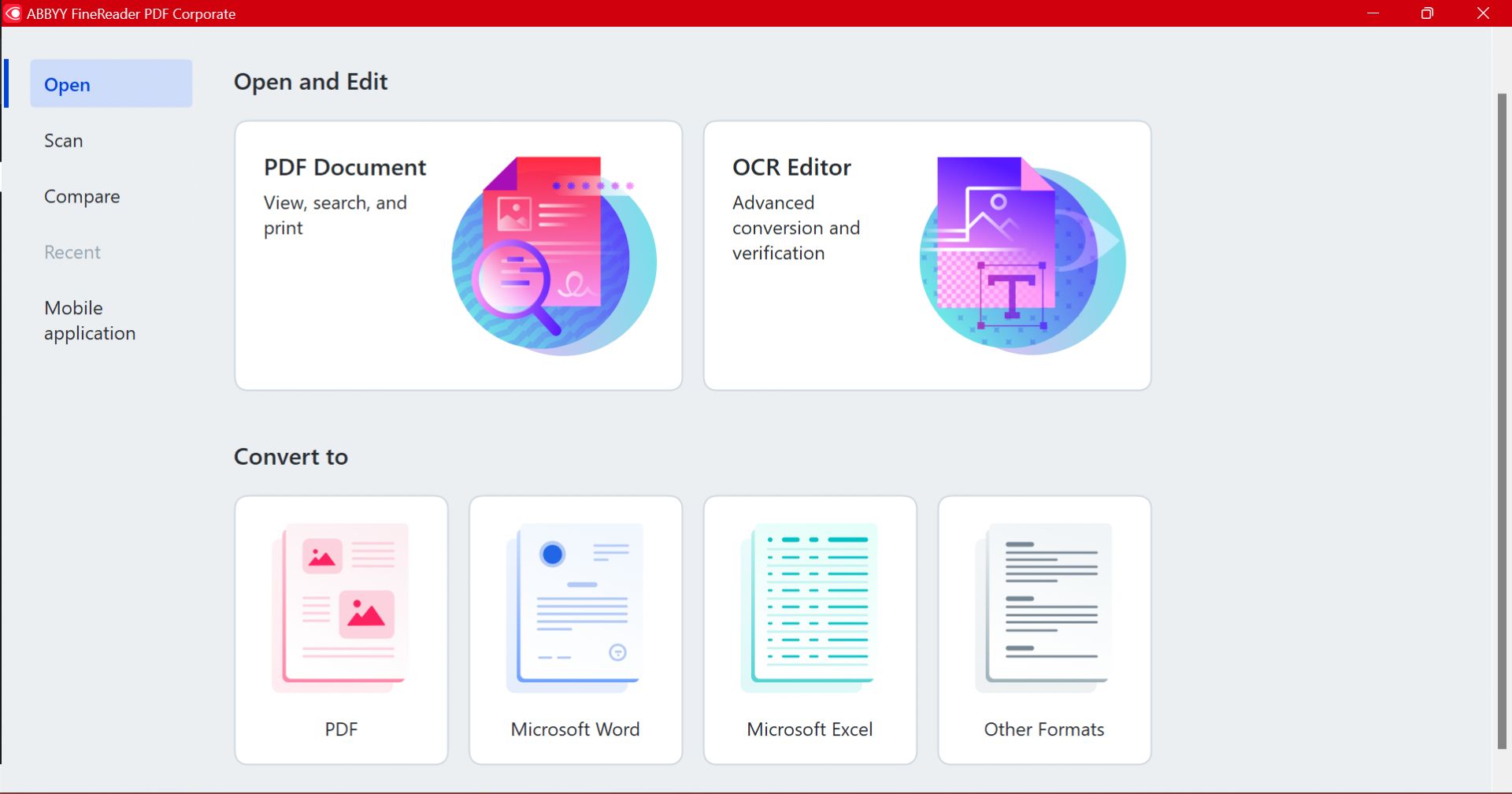
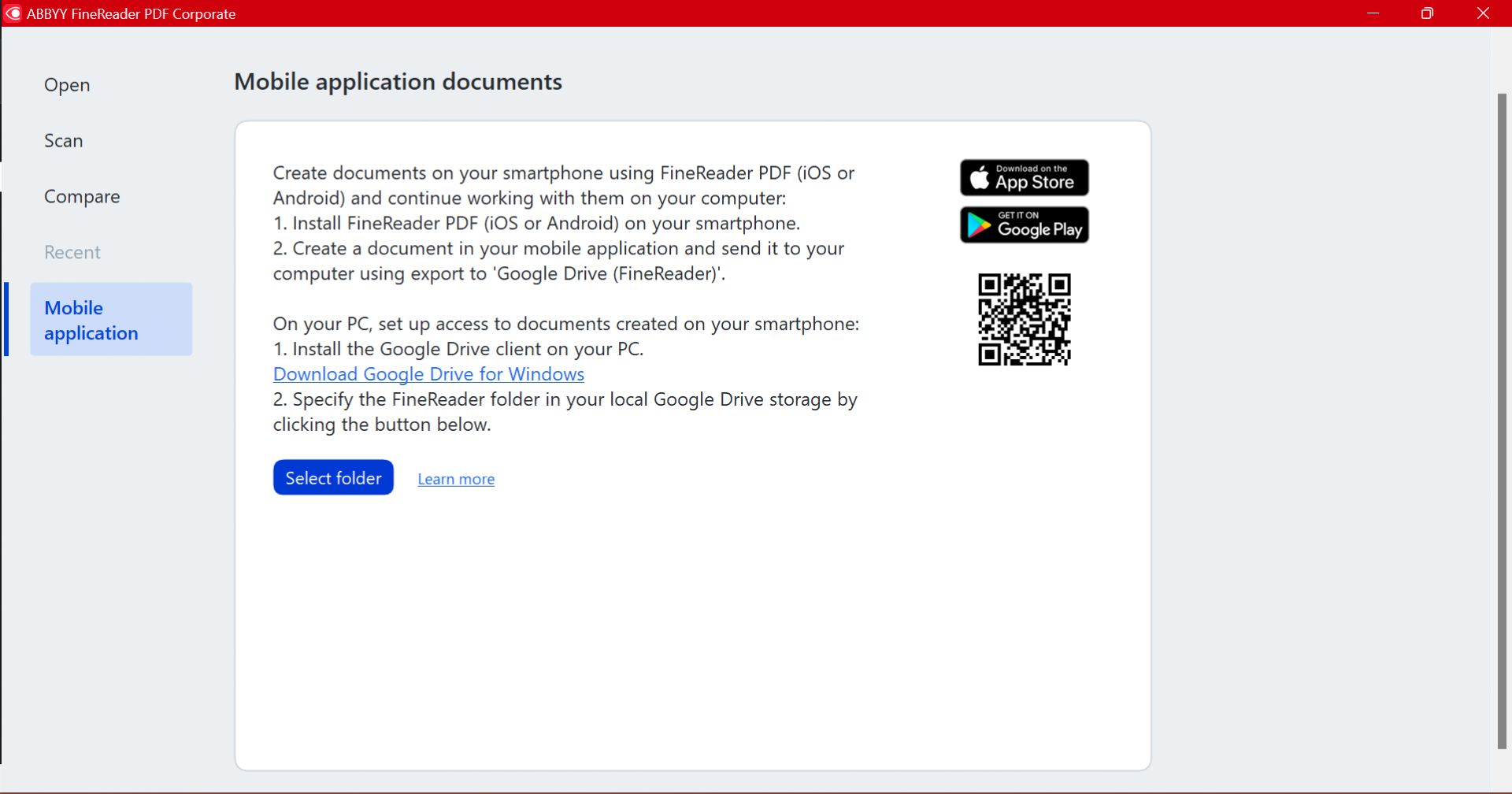
The Scan to section provides quick export options for Microsoft Word, Microsoft Excel, Image Files, and Other formats. Meanwhile, the left menu houses tabs for Open, Scan, Compare, and Mobile Application.Licensing and pricing tiers
ABBYY FineReader PDF offers a 7-day free trial for individuals and a 30-day trial for businesses. If you decide to purchase a license, you can choose between subscription-based monthly or yearly plans. The Standard version covers the needs of most individual users, while the Corporate version offers volume licensing for teams.
The primary difference between the two main tiers is that the Corporate version adds cross-format document comparison and automated batch conversion for up to 5,000 pages per month.
Note that pricing will vary depending on your specific region, chosen plan, and the number of required licenses.A highly capable dual-purpose editor
If you or your company require an advanced OCR engine combined with a standard PDF reader and editor, ABBYY FineReader PDF is an excellent choice. Despite the steeper cost for individual users, the application easily handles dense document workflows and multi-language text recognition with impressive accuracy.